Test de Manette ROG Ally X & Diagnostic TMR
La ASUS ROG Ally X est équipée de sticks TMR (Tunnel Magnetoresistance) offrant une grande précision sans usure.
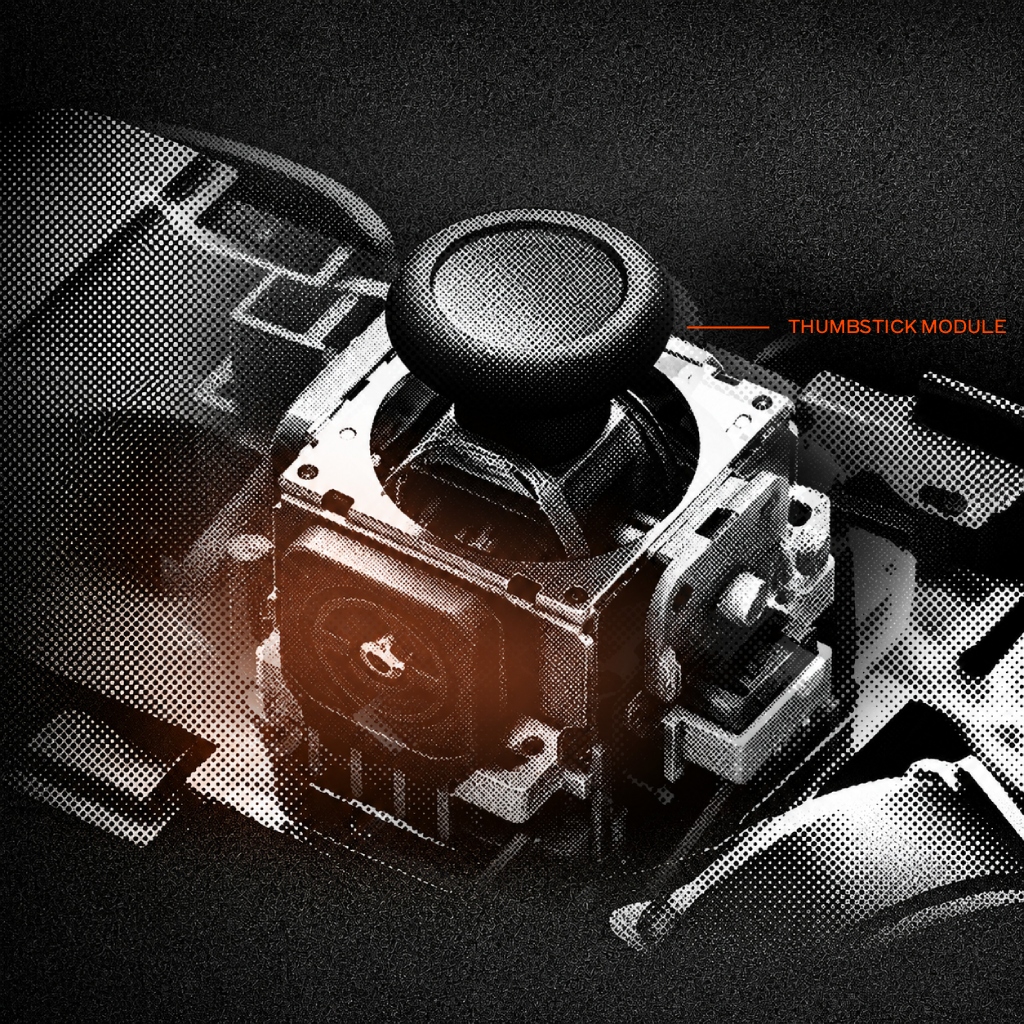
Test ROG Ally X
Connect Your ROG Ally X
Plug in via USB cable or Bluetooth, then press any button or tilt either stick to start streaming real-time axis telemetry, drift rest values, and button signals.
START ROG ALLY X DIAGNOSTICS →ASUS ROG Ally X Handheld Controller (TMR Sticks) Specs
| Controller Model | ASUS ROG Ally X Handheld Controller (TMR Sticks) |
|---|---|
| Brand / Manufacturer | ASUS |
| Joystick Sensor Type | TMR |
| Connection Interfaces | Built-in Internal Gamepad, USB-C DisplayPort |
| Default Polling Rate | 250Hz – 500Hz |
| Typical Input Latency | 2ms – 4ms |
| Drift Intolerance Rating | Very High — TMR (Tunnel Magnetoresistance) quantum sensors |
How to Test ROG Ally X
- Open allcontrollertest.com on your ROG Ally X browser.
- Move left and right thumbsticks to register X/Y axis inputs.
- Confirm ultra-tight TMR center values and 0.00 resting drift.
Frequently Asked Questions
Q: What is the difference between TMR and Hall Effect sticks on ROG Ally X?
TMR (Tunnel Magnetoresistance) measures magnetic quantum tunneling resistance changes rather than Hall voltage, providing higher sensitivity, crisper center return, and lower power consumption.
Manette filaire GameSir G7 Pro pour Xbox Series X|S et PC
Barres magnétiques TMR, déclencheurs à effet Hall, fréquence d'interrogation de 1 000 Hz
Manette de tournoi de niveau professionnel équipée de sticks analogiques magnétiques TMR sans contact, d'un taux de rafraîchissement de 1 000 Hz, d'une prise audio de 3,5 mm et d'un système de calibrage anti-dérive.