PS5 DualSense コントローラーテスト & スティックドリフト診断
Sony DualSenseはPS5標準のフラッグシップコントローラーです。ハプティックフィードバックに優れる一方、アナログスティックの経年劣化によるドリフトが発生することがあります。本ツールで正確な軸データを測定してください。
Test DualSense
Connect Your DualSense
Plug in via USB cable or Bluetooth, then press any button or tilt either stick to start streaming real-time axis telemetry, drift rest values, and button signals.
START DUALSENSE DIAGNOSTICS →PlayStation 5 DualSense Wireless Controller Specs
| Controller Model | PlayStation 5 DualSense Wireless Controller |
|---|---|
| Brand / Manufacturer | Sony |
| Joystick Sensor Type | ALPS Potentiometer |
| Connection Interfaces | USB-C Wired, Bluetooth 5.1 |
| Default Polling Rate | 250Hz default (Up to 1000Hz over USB via PC drivers) |
| Typical Input Latency | 1ms – 4ms |
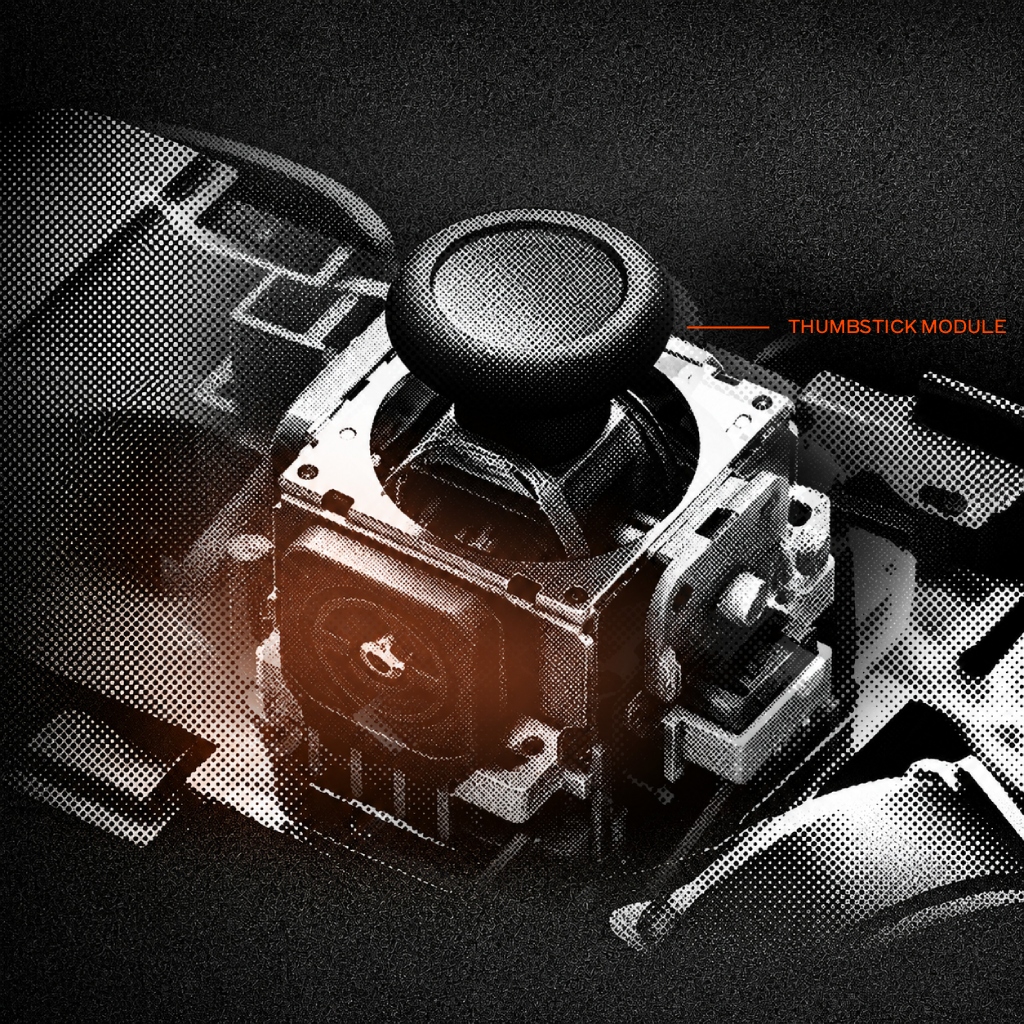
| Drift Intolerance Rating | Moderate — Uses standard ALPS potentiometers (susceptible to wear) |
How to Test DualSense
- Connect your DualSense via USB-C cable or Bluetooth to your PC/Mac.
- Press any button or tilt either thumbstick to wake up the Gamepad API connection.
- Inspect resting positions: values above 0.05 without touch indicate early stick drift.
- Rotate both thumbsticks 360° to test circularity error and outer margin bounds.
Frequently Asked Questions
Q: Why does my PS5 DualSense controller drift when I am not touching it?
DualSense controllers use ALPS potentiometer joysticks where metal wipers physically slide across resistive tracks. Friction wears down these tracks over time, shifting the resting neutral point.
Q: What is the default polling rate of a PS5 DualSense on PC?
Over Bluetooth and standard USB, the DualSense defaults to a 250Hz poll rate (4ms interval). Custom drivers on PC like DS4Windows can push a wired connection up to 1000Hz (1ms).
Xbox Series X|S および PC 対応 GameSir G7 Pro 有線コントローラー
TMRマグネティックスティック、ホール効果トリガー、1000Hzポーリング
非接触型TMR磁気サムスティック、1000Hzのポーリングレートによる低遅延、3.5mmオーディオジャック、およびドリフト防止キャリブレーション機能を搭載した、プロ仕様のトーナメント用コントローラー。