[ DIAGNOSTIC TARGET: XBOX SERIES X CONTROLLER ]ALPS POTENTIOMETER
Xbox Series X 手柄测试 & 摇杆漂移检测
Xbox Series X|S 手柄在 PC 上原生支持 XInput。使用本工具可测试摇杆中位静止数值及移动精度。
SensorALPS Potentiometer
Polling Hz125Hz
Latency4ms – 8ms
BrandMicrosoft
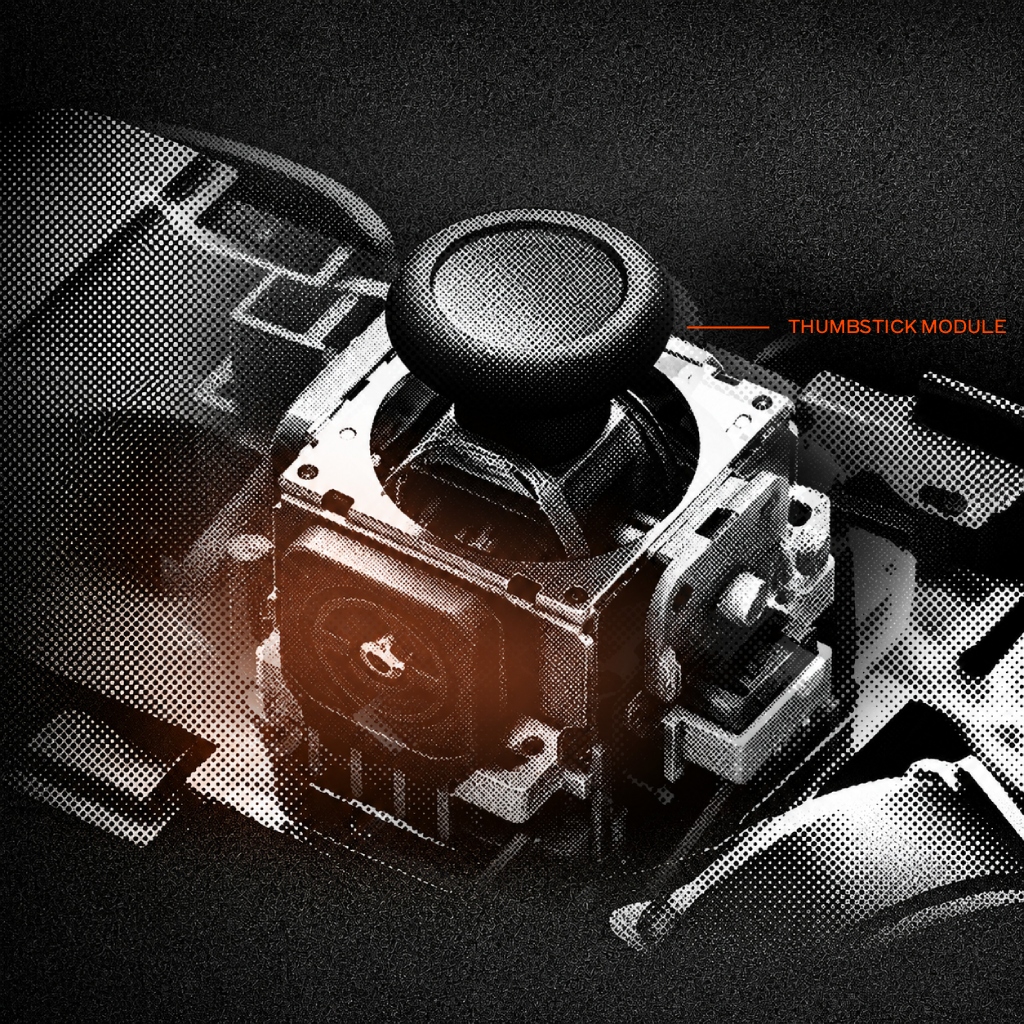
HARDWARE: XBOX SERIES X CONTROLLER
[ LIVE_TELEMETRY_SUITE ]
运行测试 →Test Xbox Series X Controller
Connect Your Xbox Series X Controller
Plug in via USB cable or Bluetooth, then press any button or tilt either stick to start streaming real-time axis telemetry, drift rest values, and button signals.
START XBOX SERIES X CONTROLLER DIAGNOSTICS →[ TECHNICAL_SPECIFICATIONS ]
Xbox Series X|S Wireless Controller Specs
| Controller Model | Xbox Series X|S Wireless Controller |
|---|---|
| Brand / Manufacturer | Microsoft |
| Joystick Sensor Type | ALPS Potentiometer |
| Connection Interfaces | USB-C Wired, Bluetooth 5.1, Xbox Wireless 2.4GHz Adapter |
| Default Polling Rate | 125Hz (Dynamic Latency Input / DLI enabled on Xbox) |
| Typical Input Latency | 4ms – 8ms |
| Drift Intolerance Rating | Moderate — Standard potentiometer wear mechanism |
How to Test Xbox Series X Controller
- Connect via USB-C cable, Xbox Wireless Adapter, or Bluetooth.
- Press any button to initiate telemetry streaming in the tester.
- Check neutral rest values — healthy sticks stay within 0.00 – 0.03.
- Test trigger impulse vibration and outer circularity bounds.
Frequently Asked Questions
Q: Does Xbox Series X controller work natively on Windows PC?
Yes, Windows 10 and 11 support Xbox controllers out of the box via XInput without needing any extra drivers or software.
TMR 1000HZ PRO GEAR
-10% OFFList: $49.99$44.99
GameSir G7 Pro 有线手柄(适用于 Xbox Series X|S 和 PC)
TMR 磁棒、霍尔效应触发器、1000Hz 轮询
专业级赛事手柄,配备非接触式 TMR 磁力摇杆、1000Hz 轮询率、3.5mm 音频接口以及防漂移校准功能。
As an Amazon Associate, we earn from qualifying purchases. Prices & availability subject to change on Amazon.com.
[ RELATED_HARDWARE_GUIDES ]