Test your controllers with raw precision
Diagnose stick drift, circularity error, latency, and vibration across Xbox, PlayStation, Switch, Steam and PC controllers.
Engineered for raw precision testing
Diagnose stick drift, circularity error, latency, and dual vibration motors in your browser.
Auto-Detection
Plug in via USB or pair via Bluetooth. Instant real-time hardware detection compliant with HTML5 Gamepad API without downloads.
Button Mapping
Vector-rendered 2D SVG gamepad visualization displaying button presses, analog triggers, and stick vectors in real-time.
Circularity Test
Active circularity heatmap traces measure analog stick outer gate accuracy and circularity error percentage down to 0.01%.
Drift & Deadzones
Expose rest position analog stick jitter. Adjust simulated deadzones and export filter code snippets for Unity and Unreal Engine.
Free Online Gamepad & Controller Tester: Diagnose Stick Drift, Polling Rate & Hardware Health
All Controller Test is the web's most detailed free browser-based gamepad tester for PC, console, and mobile controllers. Whether you need a dedicated Xbox controller test, PS5 DualSense diagnostic, PS4 DualShock check, Nintendo Switch Pro gamepad test, or Steam Deck hardware scan, our platform reads raw W3C Gamepad API telemetry instantly — with zero downloads, browser extensions, or account setups required. Test button mapping, analog trigger travel, polling rate (Hz), and dual haptic vibration motors in real time.
Diagnose hardware failure modes before they ruin your gameplay. Our automated 30-Second Hardware Scan runs a guided multi-step test evaluating rest-position stick drift, circularity gate accuracy, analog trigger pressure, and button responsiveness — issuing clear pass, warning, or fail grades per metric. Real-time stick drift detection displays resting X/Y axis values at 5-decimal precision (0.00000), making it simple to detect potentiometer wear, sensor jitter, and rest position variance on PS5, Xbox, and Switch controllers.
Evaluate analog stick accuracy with interactive circularity error analysis. Our real-time polar heatmap traces your stick's rotation path, calculating mean deviation against a perfect unit circle to highlight mechanical gate errors and wear patterns. Benchmark observed polling rate (Hz) and input latency to compare USB wired vs. Bluetooth performance. Whether your controller uses traditional ALPS potentiometers, Hall Effect magnetic sensors, or next-generation TMR (Tunnel Magnetoresistance) joysticks, you get raw telemetry without software smoothing or threshold filtering.
Moving from diagnosis to repair is seamless. Based on your Hardware Scan results and controller model, our platform matches your test outcome with curated repair parts, TMR joystick replacement modules, contact cleaners, and specialized tools from our Recommended Gear catalog. Combined with our deep-dive technical guides, All Controller Test bridges the gap between uncovering hardware faults and restoring your gamepad to peak gaming performance.
GameSir G7 Pro Wired Controller for Xbox Series X|S & PC
Pro-tier tournament controller equipped with contactless TMR magnetic thumbsticks, 1000Hz polling rate latency, 3.5mm audio jack, and anti-drift calibration.
Frequently Asked Questions (FAQ)
How do I test my controller?
Connect your device via USB cable or Bluetooth, then press any button (or move the sticks) to wake it up. The browser's Gamepad API will automatically detect the inputs and map them to our visual model.
What is Circularity Error?
Circularity error measures how accurately your stick traces a perfect circle at its maximum edge. Standard controllers usually have an error rate of 8-12%, while precision Hall Effect sticks achieve under 2%.
What is stick drift?
Stick drift (or analog stick drift) occurs when an unprompted input signal is sent to your console or PC even when you aren't physically touching the thumbstick. It is caused by mechanical wear on potentiometer resistive tracks, dust accumulation, or spring degradation inside ALPS modules, causing your in-game character or camera to move on its own.
How do I fix stick drift?
While browsers cannot physically calibrate the hardware, you can adjust the Simulated Deadzone slider above. Use the generated code snippet to filter out sensor drift in your game engines or mapping tools.
What are different types of joysticks?
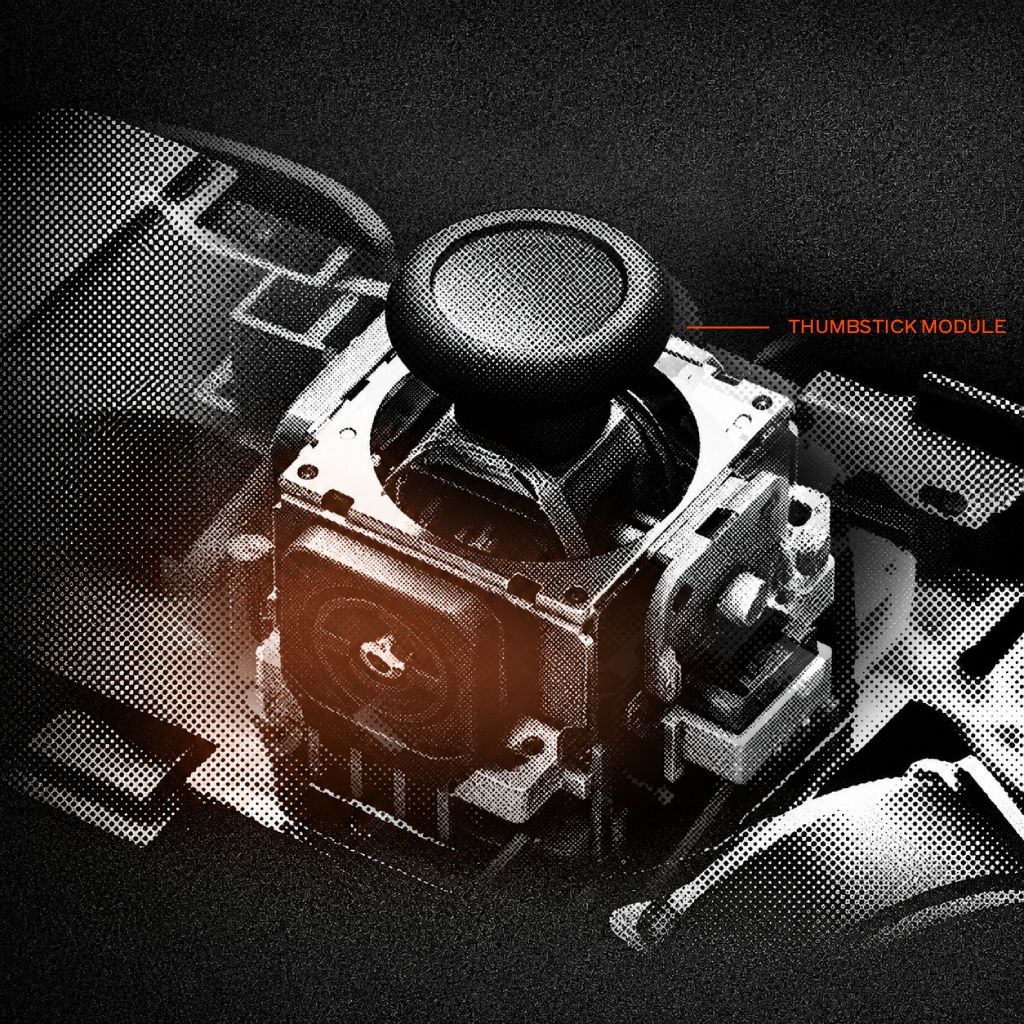
Modern controllers primarily use three main types of analog joystick sensor mechanisms: Potentiometer-based sticks (traditional ALPS modules using resistive wipers), Hall Effect magnetic sensors (non-contact magnetic field sensing), and TMR (Tunnel Magnetoresistance) sensors.
What is Difference Between Hall Effect, TMR, and ALPS Joysticks?
ALPS potentiometers use physical graphite wipers that wear down over time, causing stick drift. Hall Effect joysticks use magnets for contact-free sensing, eliminating mechanical wear. TMR (Tunnel Magnetoresistance) is the latest evolution, offering magnetic contact-free sensing with higher resolution, lower power consumption, and tighter ultra-low rest deadzones.